域名验证

Documentation Index
Fetch the complete documentation index at: https://docs.qoder.com/llms.txt
Use this file to discover all available pages before exploring further.
域名验证
本文介绍域名验证的能力以及如何配置域名验证。
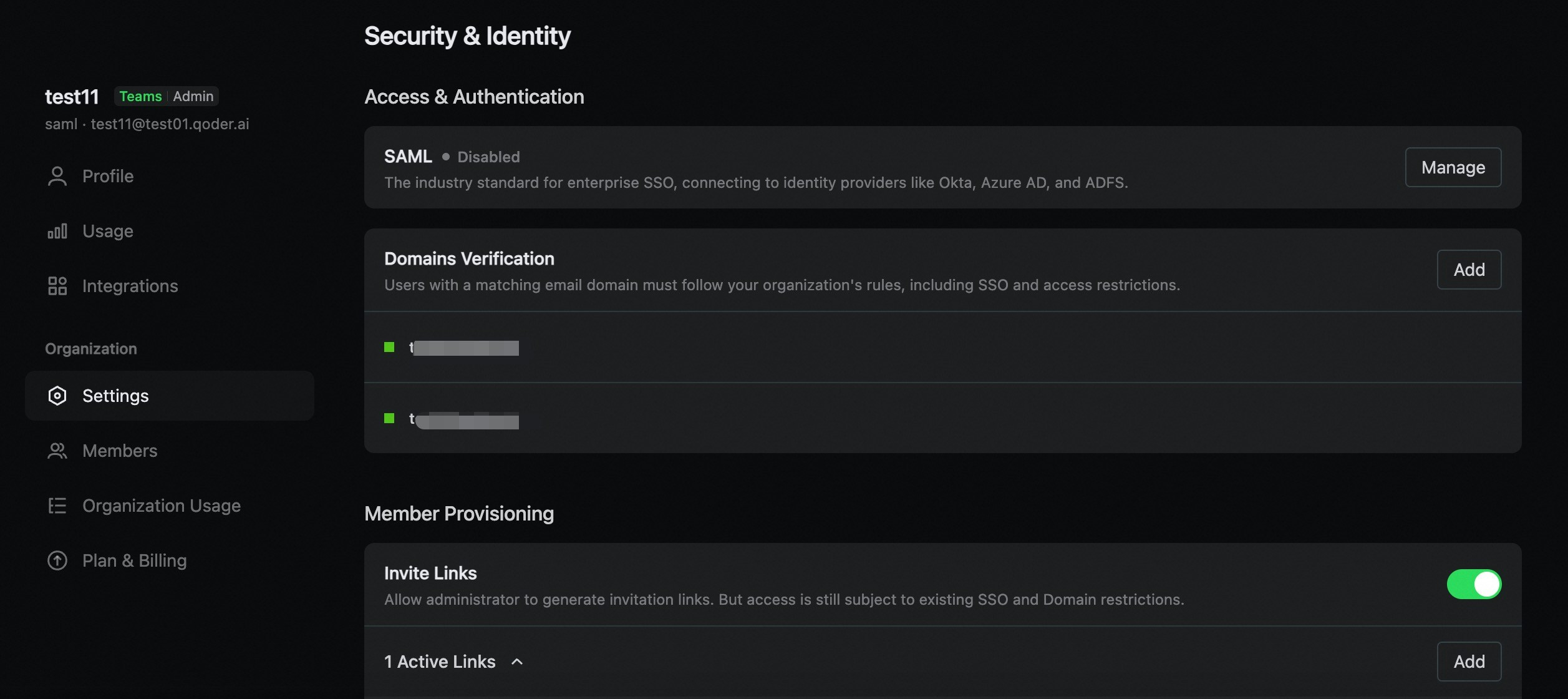
通过验证公司邮箱域名的所有权,确保只有符合公司域名的用户能够加入组织。
开启域名验证后,链接邀请的用户和 SSO 登录的用户均受域名限制,邮箱账号不符合域名规则的用户将被拒绝加入组织。
添加域名
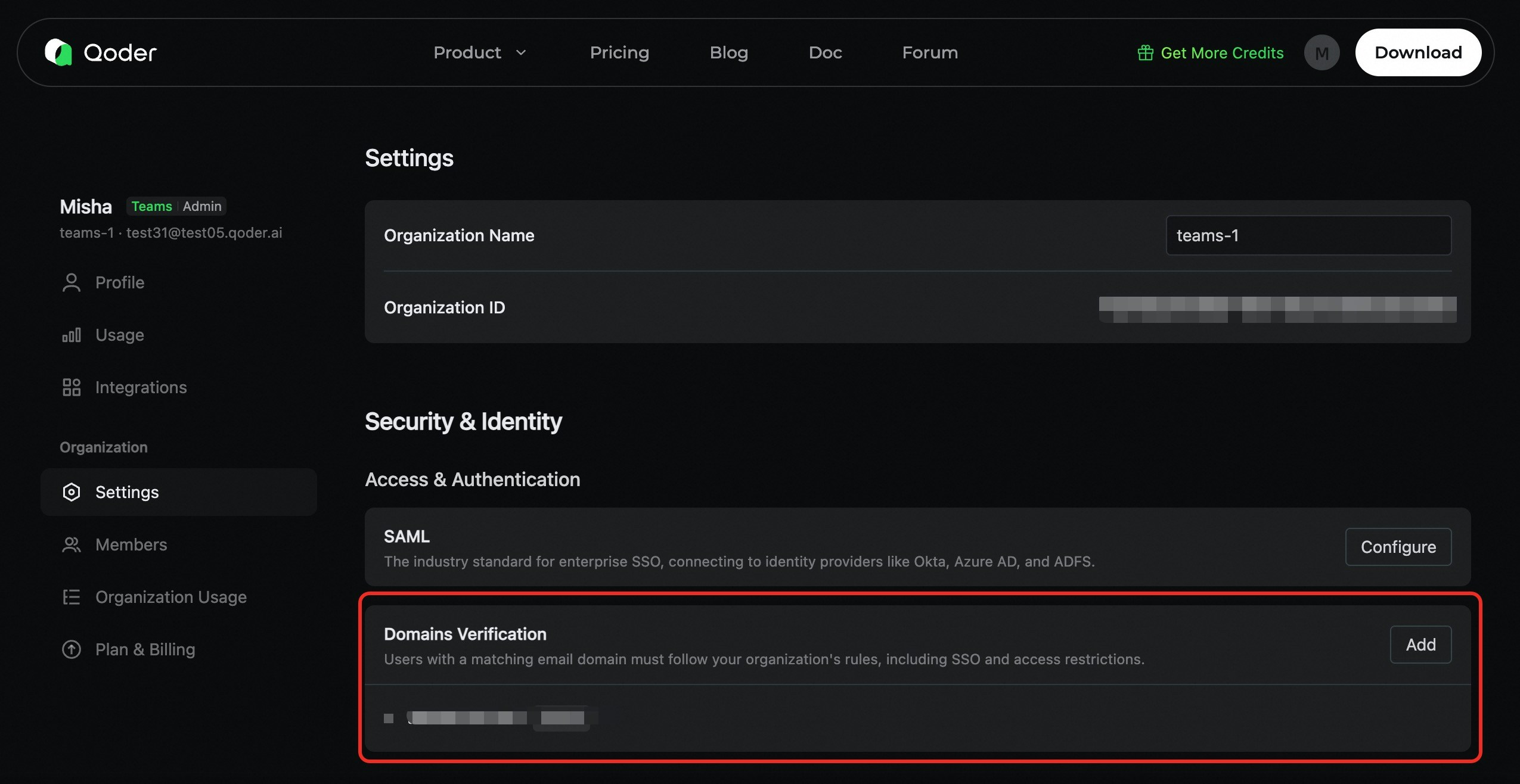
- 前往 组织设置 > 邮箱域名。
- 点击 添加域名。
- 输入公司的邮箱域名(例如
company.com,不含@符号)。 - 点击 添加。
仅添加组织拥有和控制的域名。请勿添加公共域名,例如 gmail.com。
添加 DNS TXT 记录
前往你的域名 DNS 管理后台中,配置以下 DNS TXT 记录:
| 字段 | 值 | 示例 |
|---|---|---|
| 类型 (Type) | TXT | TXT |
| 主机名/名称 (Host/Name) | 你的域名 (或使用 @ 代表根域名) |
company.com 或 @ |
| 值 (Value) | Qoder 提供的验证令牌 | a1b2c3d4e5f6g7h8i9j0... |
| TTL | 600 (或使用默认值) | 600 |
点击添加域名后,验证令牌值将显示在提示窗中。只需复制并将其粘贴至你的 DNS 服务器管理台。
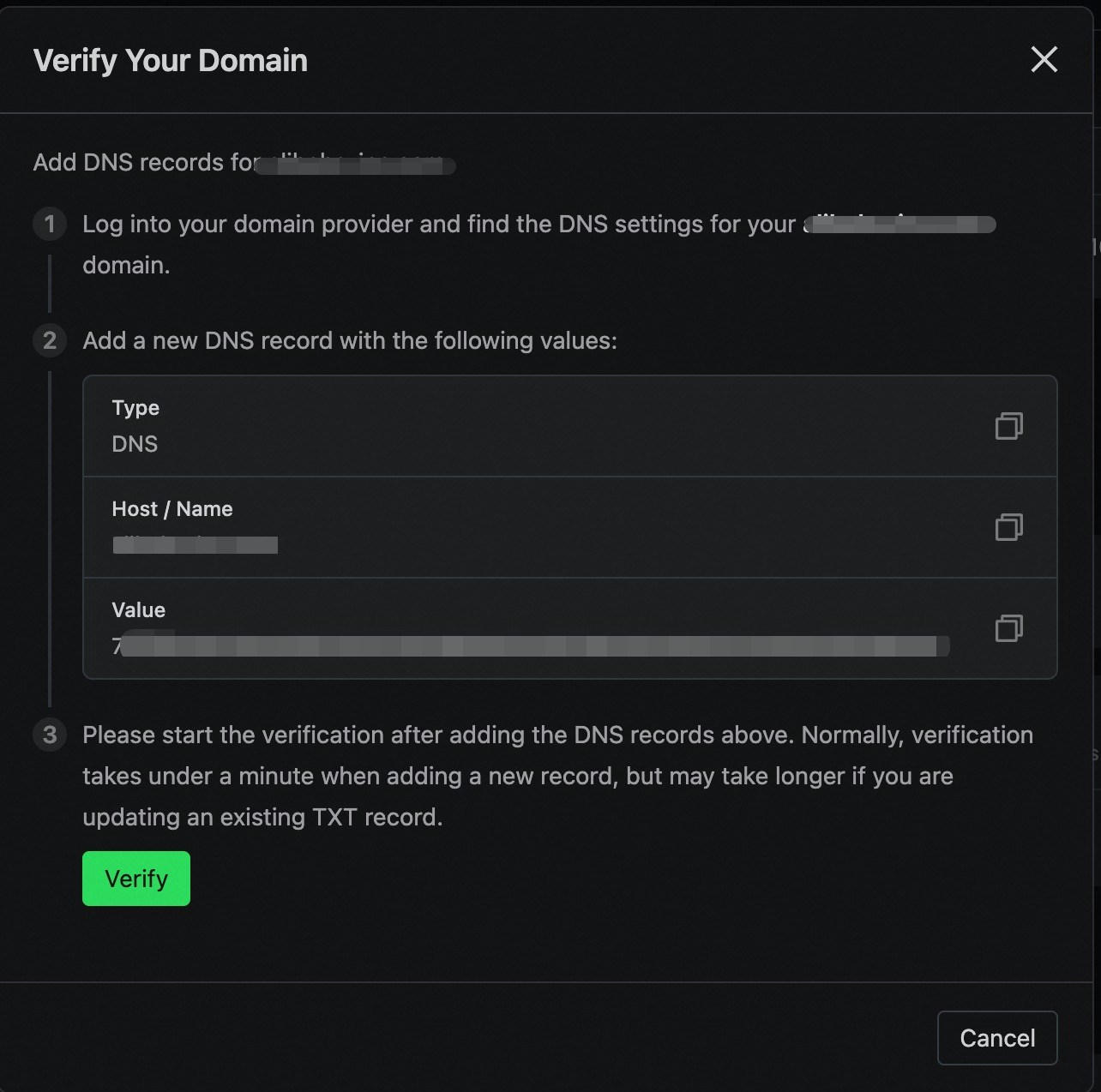
验证域名
等待 DNS 记录生效后,返回 Qoder 的域名管理,点击验证按钮,触发域名验证。
- 若验证通过,域名的状态将变为 已验证,此时域名将立即生效。
- 若验证失败,域名的状态将变为 验证失败,你可以检查配置后重新发起验证。
删除域名
管理员在域名管理列表中可以移除域名,移除时将进行检查:若当前存在已启用的 SSO,则至少需要保留一个有效的已验证域名。

Allen
暂无介绍....
上一篇
单点登录
下一篇